Setup and listening
Make a listening check part of the routine
Check the intended source, rehearse transitions and listen to a saved recording before the session.
↗
Independent studio notesMicrophone / connection / room
The studio notebook / Start here
Independent guides to choosing a microphone, following the connections and listening in the room you actually use.
Start with your setup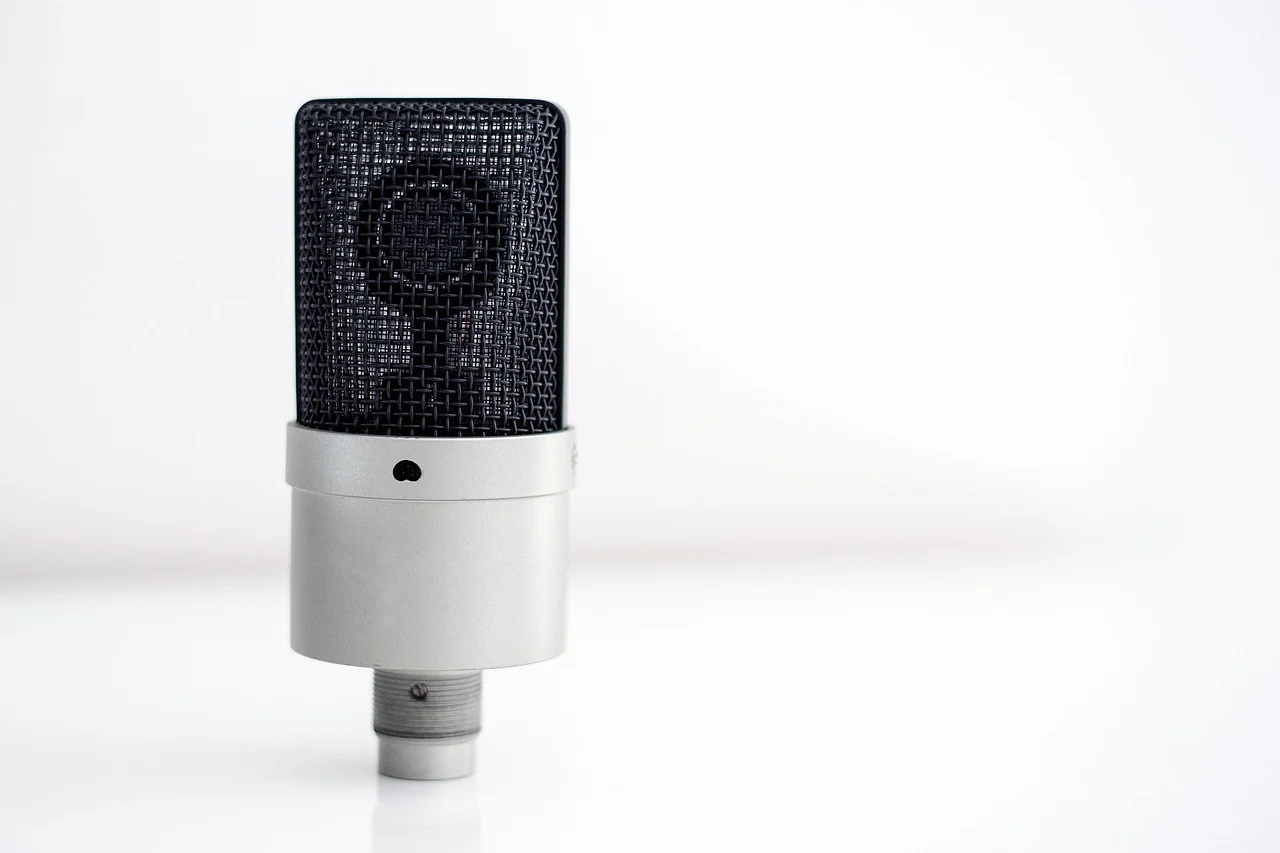
A setup with a reason
Begin with what you want to make. Give each piece of the setup a useful job.
The room belongs in the picture
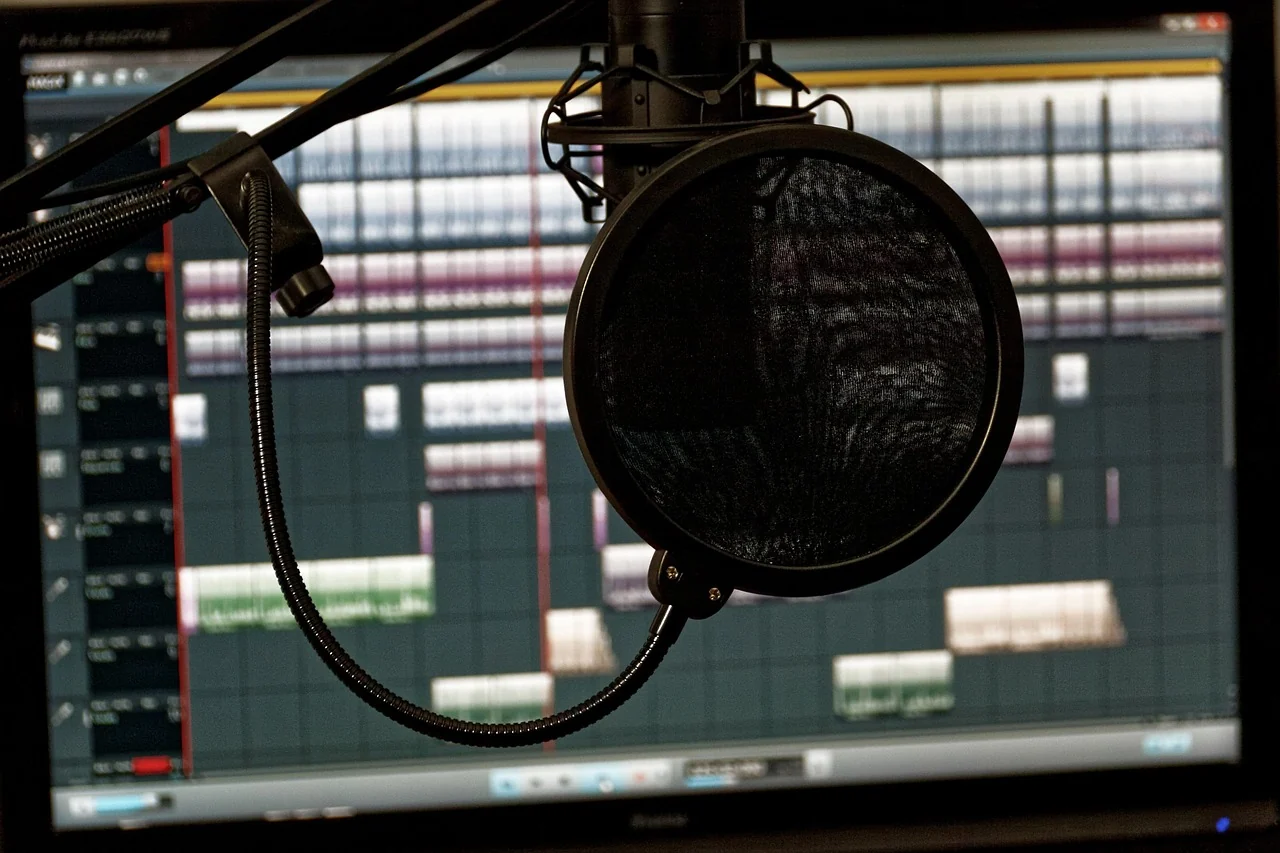
The microphone is one part of your recording or streaming arrangement. The place you work, the equipment you connect and the software you use deserve a place in the plan too.
Start with the programme you want to make. Then give the practical questions a clear order, from the microphone’s own instructions to a recording you can listen back to.
Plan the place you workKeep one note: the actual gear, the room, the connection and the next question to answer.
Follow the route
A connector name is the beginning of a question. Check the actual microphone, interface, computer and software involved before deciding how they belong together.
Read the connection guideKeep the exact product name and its current documentation together.
Describe the connection you intend to use at each stage.
Use the software’s documentation to understand its audio selection.
Listen to a local check in the setup you actually plan to use.
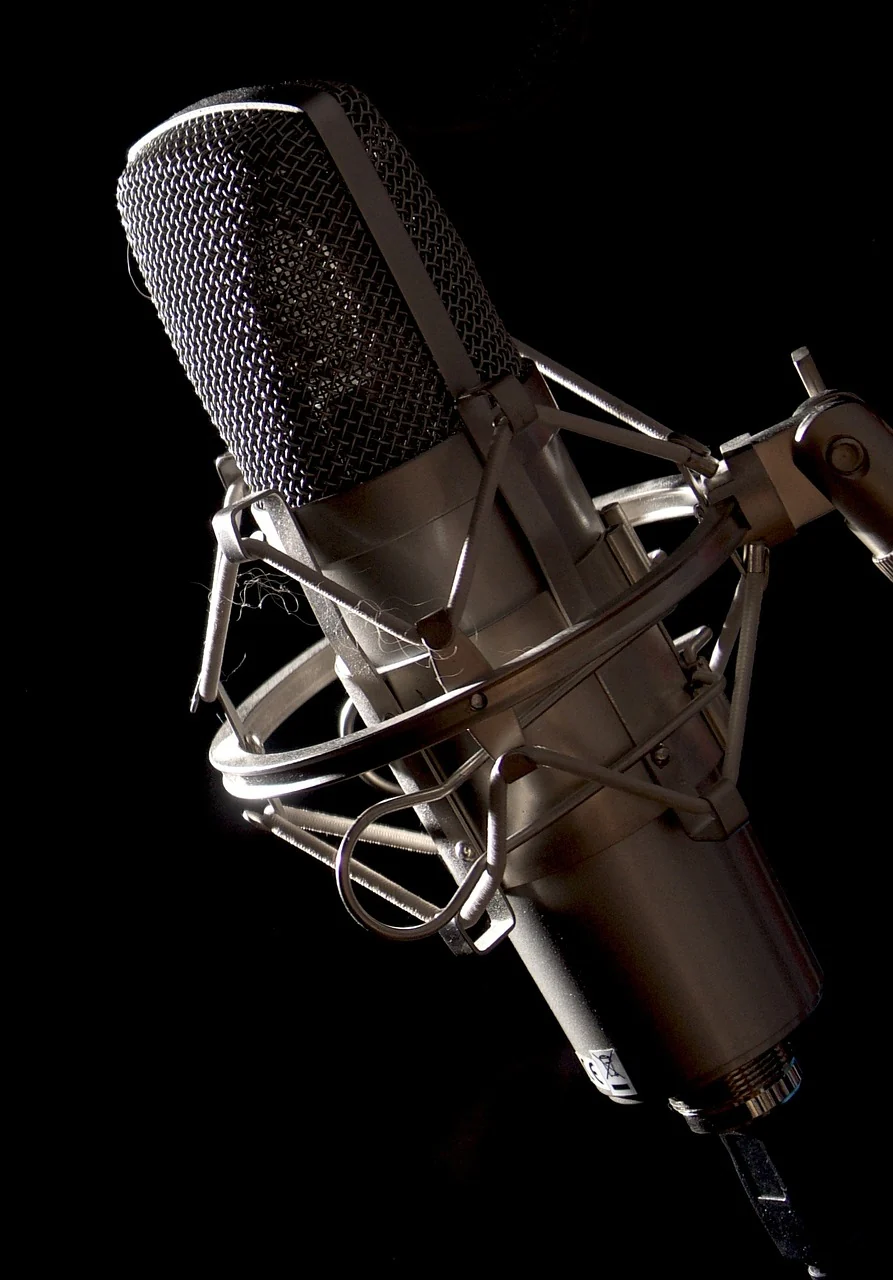
A closer look, a clearer question
A photograph can show a shape or a mounting arrangement. The exact manual answers different questions about orientation, connections and supported use.
Keep what you have confirmed separate from what still needs an answer. A useful microphone choice belongs with the way you plan to speak, work and listen.
Choose with the setup in mindA short record makes it easier to understand what changed between one check and the next.
Make a studio noteKeep reading
Setup and listening
Check the intended source, rehearse transitions and listen to a saved recording before the session.
↗Room and placement
Plan the desk, orientation and ordinary movements, then compare a short rehearsal in your actual room.
↗Connections and routing
Read USB and XLR connections as parts of a complete route, with the exact device and application in view.
↗Microphone choices
Bring the programme, connection, workspace and listening check into one considered microphone choice.
↗