
Make a listening check part of the routine
Check the intended source, rehearse transitions and listen to a saved recording before the session.
3 min read
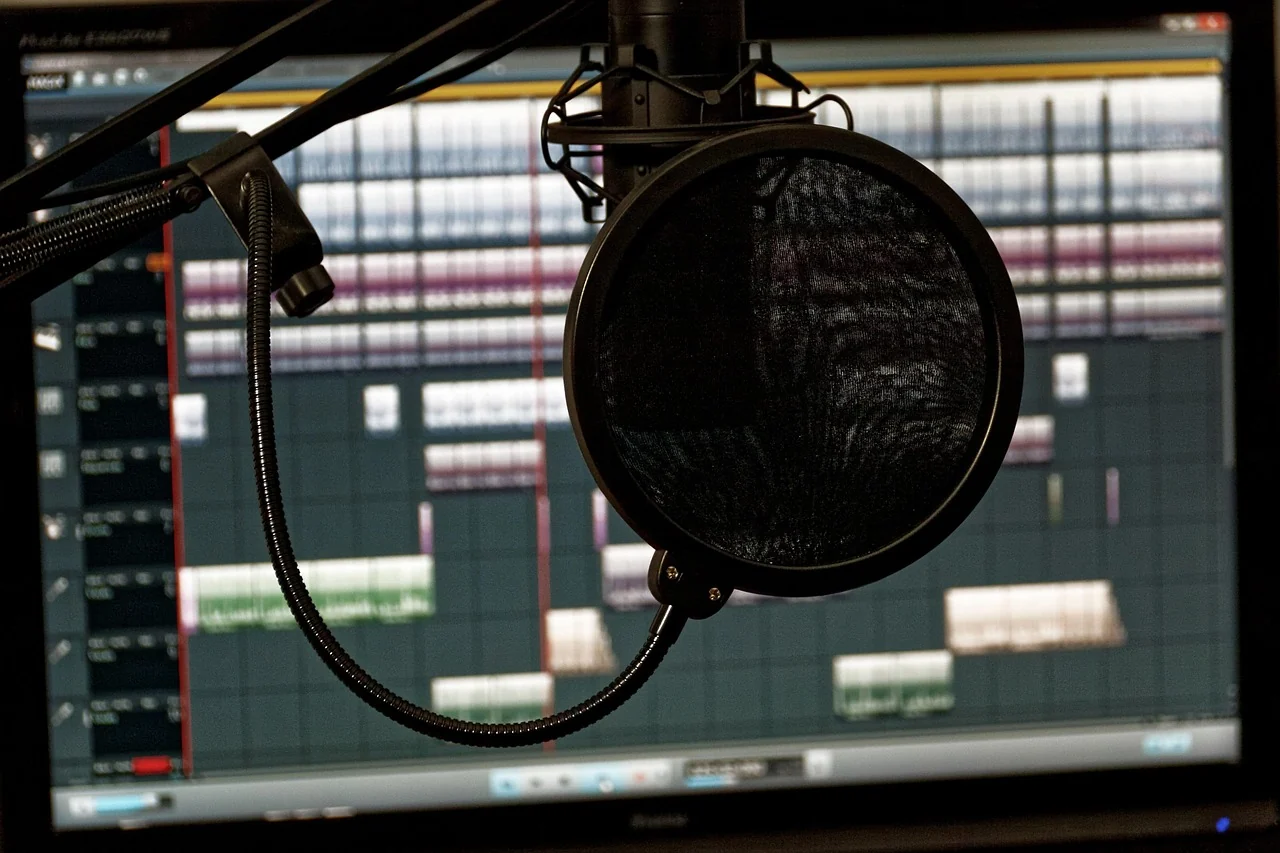
A pre-stream audio check is most useful when it resembles the programme you intend to make. Use your normal place at the desk, the applications you need and a short sample of ordinary speech. Then listen to the result. Keep the routine small enough to repeat, while giving each stage a clear purpose: selected source, intended programme and saved recording.
Start with the intended source
Read the device names in the application before adjusting levels. Identify the microphone or interface you intend to use and compare it with your connection note. If several devices are available, do not rely on a familiar label such as default without checking what it currently represents. Confirm that the application is receiving the source you mean to present.
Keep a short list of the other sounds that belong in the programme, including a guest call, presentation or application. Mark which scenes need them. This helps you notice something missing or duplicated during the rehearsal. The connection guide can help if the physical device route is still unclear.
Check routing before adding adjustments
The OBS audio-source documentation warns that capturing the same device both globally and as a scene source can create echo. If you use OBS, inspect your chosen arrangement before treating an unexpected sound as a microphone problem. Use the current instructions for your platform and avoid adding another copy of the source simply to make its meter move.
Rehearse the transitions that matter. Move from the introduction to the main scene, open the material you plan to present and try any pause or mute behaviour you intend to use. Check the resulting audio rather than relying only on the appearance of a button. Keep the test focused on the actual programme rather than every possible feature of the software.
Understand the control you are changing
The Scarlett Solo 4th Gen guide distinguishes microphone input gain from headphone level and direct monitoring on that device. Read the equivalent information for your equipment. Before turning a control, name the part of the route it affects; then check the result at the relevant point.
Make one deliberate change at a time when investigating a problem. Keep your ordinary speaking style and position in the rehearsal, including the louder or quieter moments that naturally occur. Use your equipment and application guidance to interpret their indicators. If you cannot identify the cause of an issue, save a clear description of the setup and observed behaviour for appropriate support.
Record, then listen to the file
The OBS audio mixer guide recommends making a recording and listening back before going live. Include the main sounds and transitions of your programme in that recording. Use the file to assess what was actually captured, separately from the audio you heard while setting up.
Listen for the questions you set out to answer: is the intended voice present, are the expected sources included and do transitions behave as planned? Keep observations specific. A note such as “the guest disappears after the scene change” is more useful for the next check than a broad judgement that the sound is wrong. Save the test with enough context to compare a later revision.
Keep the useful result repeatable
Record the arrangement that worked: selected devices, application sources, microphone position and relevant controls. You do not need a long technical journal. A short note and the manual links can make the next session easier, especially when the desk is used for other activities. Revisit the check after a meaningful equipment or software change rather than assuming the old arrangement has carried over.
Finish by returning to the programme itself. Keep the room notes nearby if the desk arrangement still needs attention, and use the complete choice guide when considering a future equipment change. Once the basic route and saved result are understood, you can spend the rehearsal on your presentation and the experience you want to give the audience.